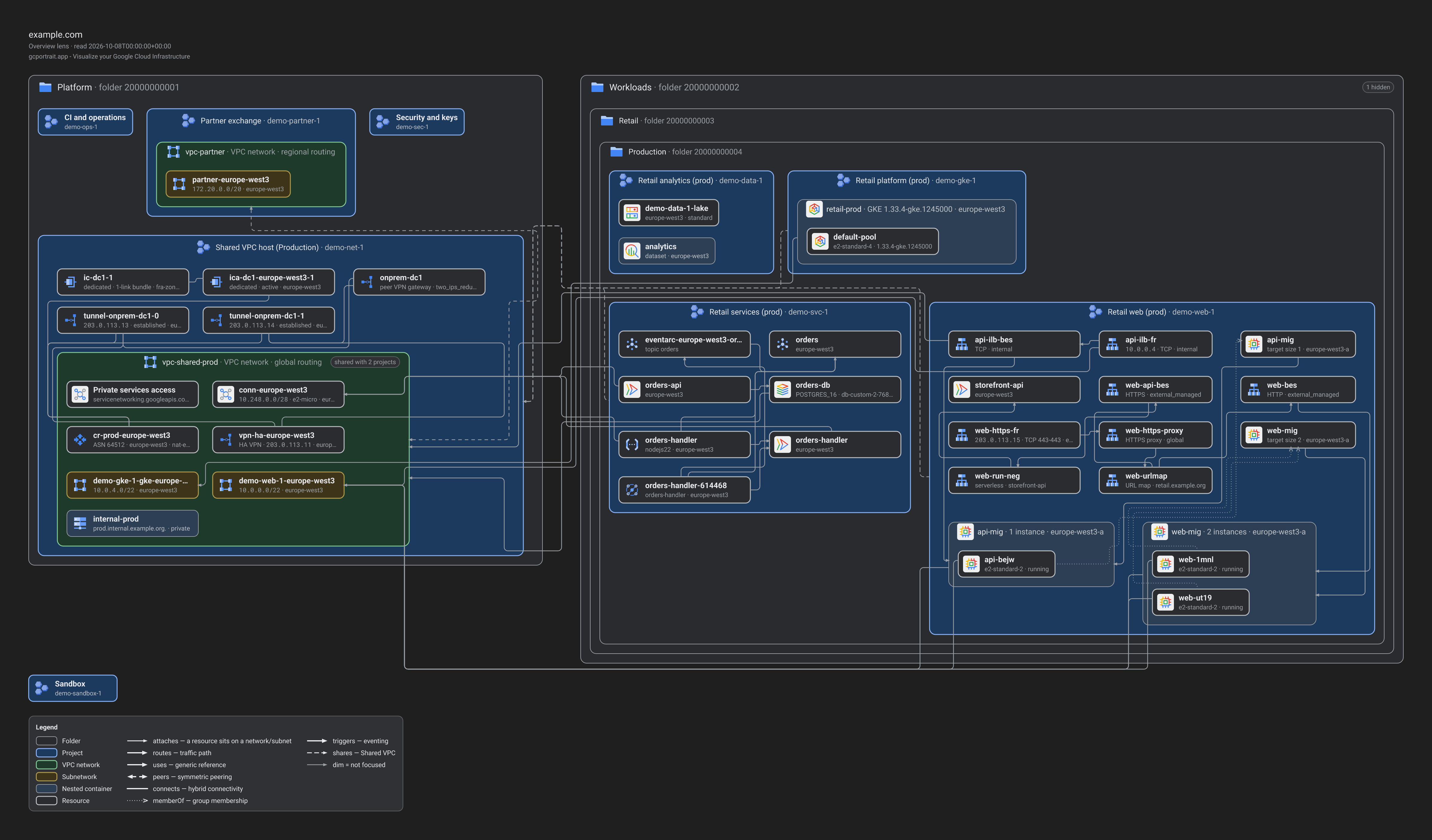
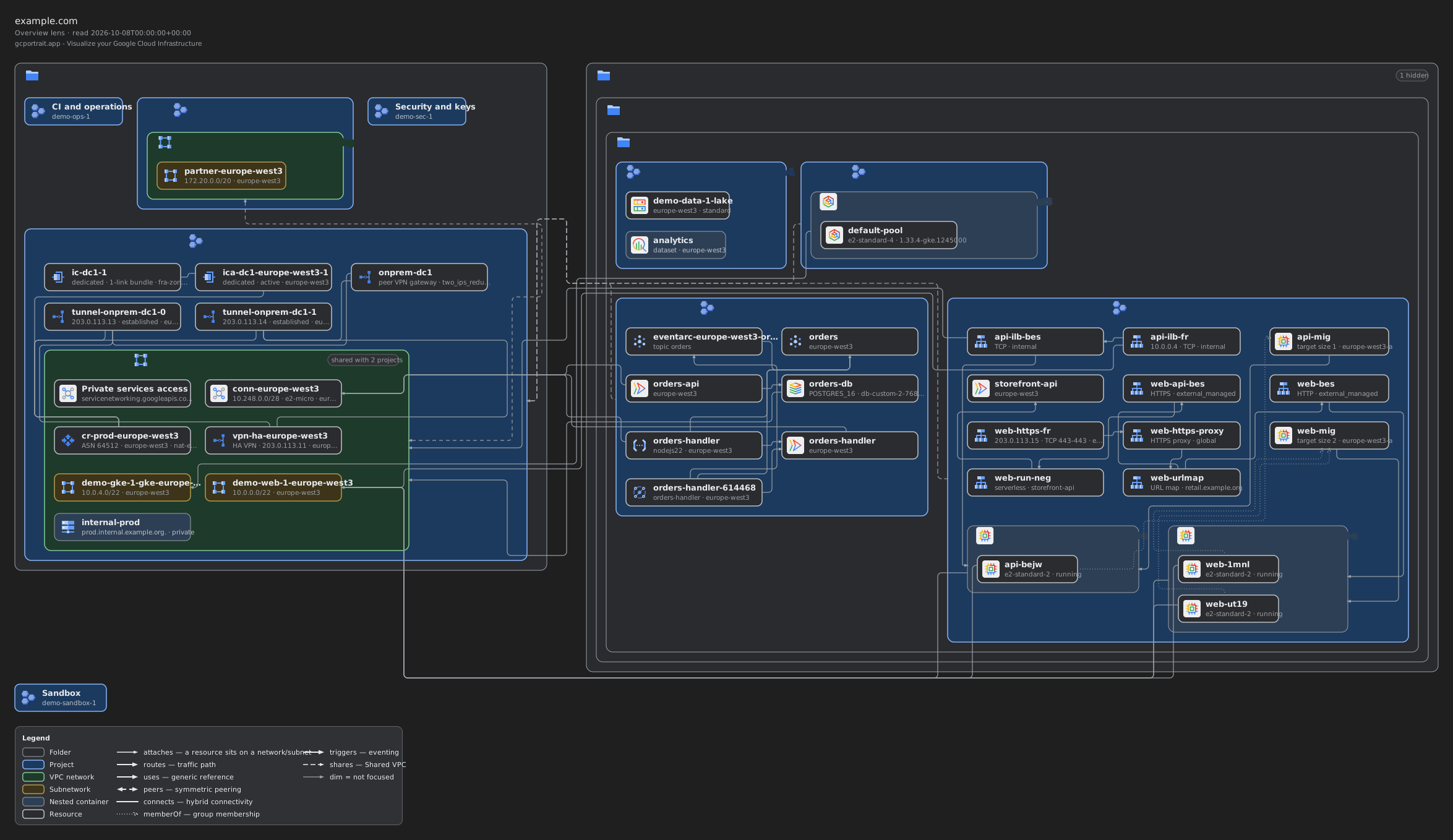
Real SVG, PNG and draw.io files, exactly as the Export menu writes them, of the synthetic demo organisations: no
real environment is drawn. Each file’s title block names the scope, the lens and the read time, then the gcportrait.app
tagline; the legend lists what the drawing uses. The non-affiliation statement is in the footer below, not in the
drawings.
Open an SVG to zoom in without losing detail, or download the files to try them in a slide deck, a wiki page or a
vector editor. The PNGs are drawn at 2×, the Export menu’s default. To export your own views, open the
demo (opens in a new tab) and press Export, or read the Export guide.
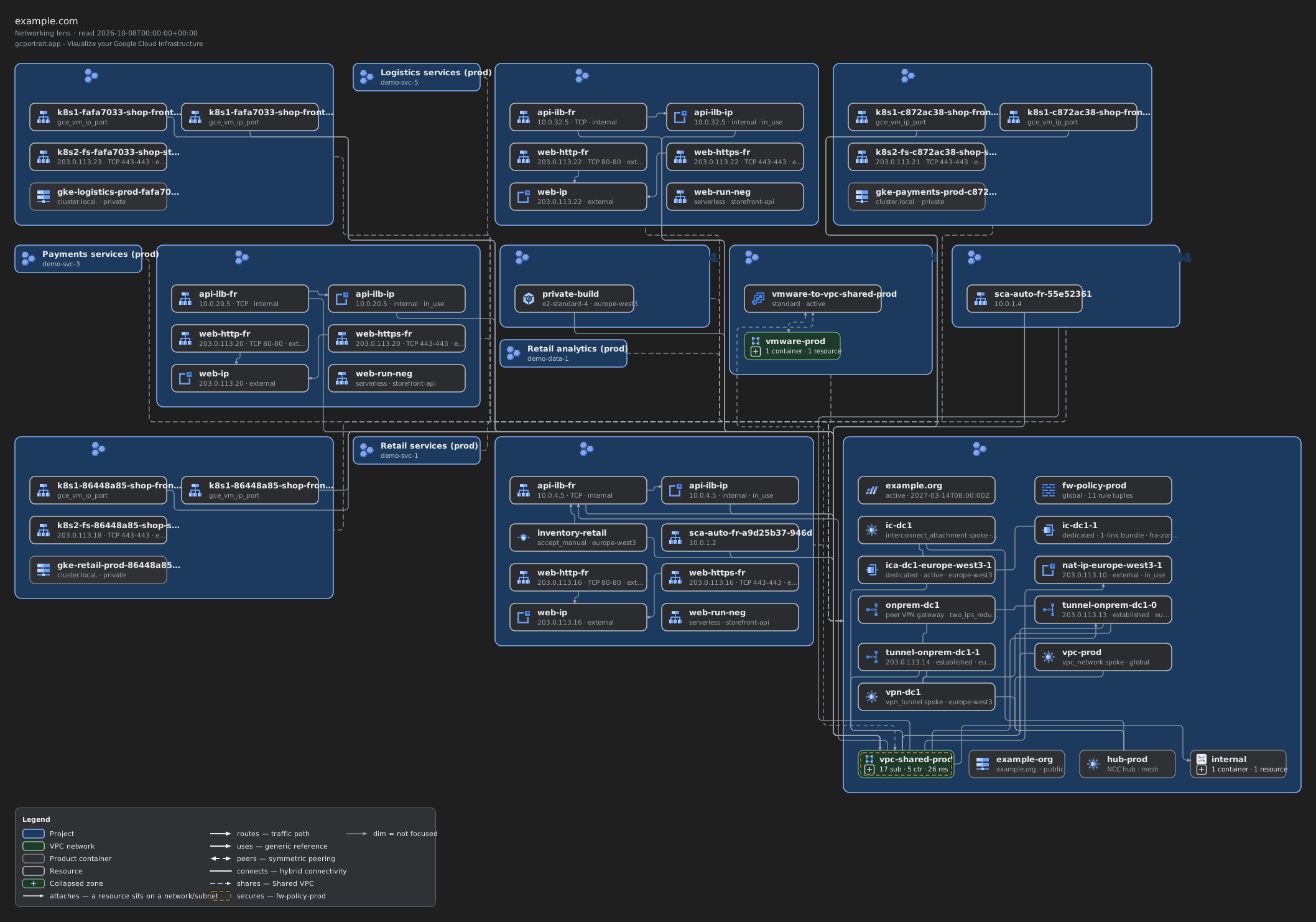
The SVGs name their fonts, the Roboto stack, without embedding them, as the Export menu writes an SVG unless you
tick its “Embed fonts” option. Where Roboto is not installed, the viewer draws the labels in another font and they
may reflow, running a little longer or shorter than in the PNGs, which are always drawn with Roboto.
The draw.io files are the same drawings as editable diagrams: zones you can move with what they hold, resources
with their icons and labels, and lines connected to them, in three layers (the diagram, its connections, the
title and the legend). “Open in diagrams.net” opens one in a new tab, where diagrams.net loads it from this site;
or download it and open it in draw.io. Each label names Google Fonts’ stylesheet of Roboto, which diagrams.net
loads to keep the drawing’s typeface.
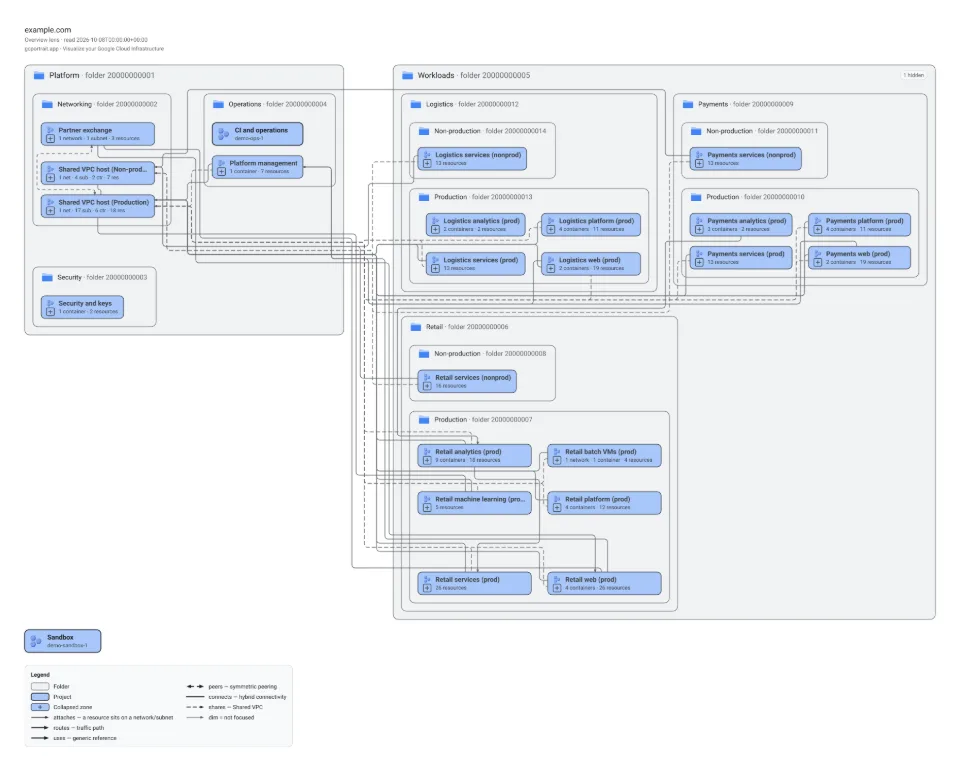
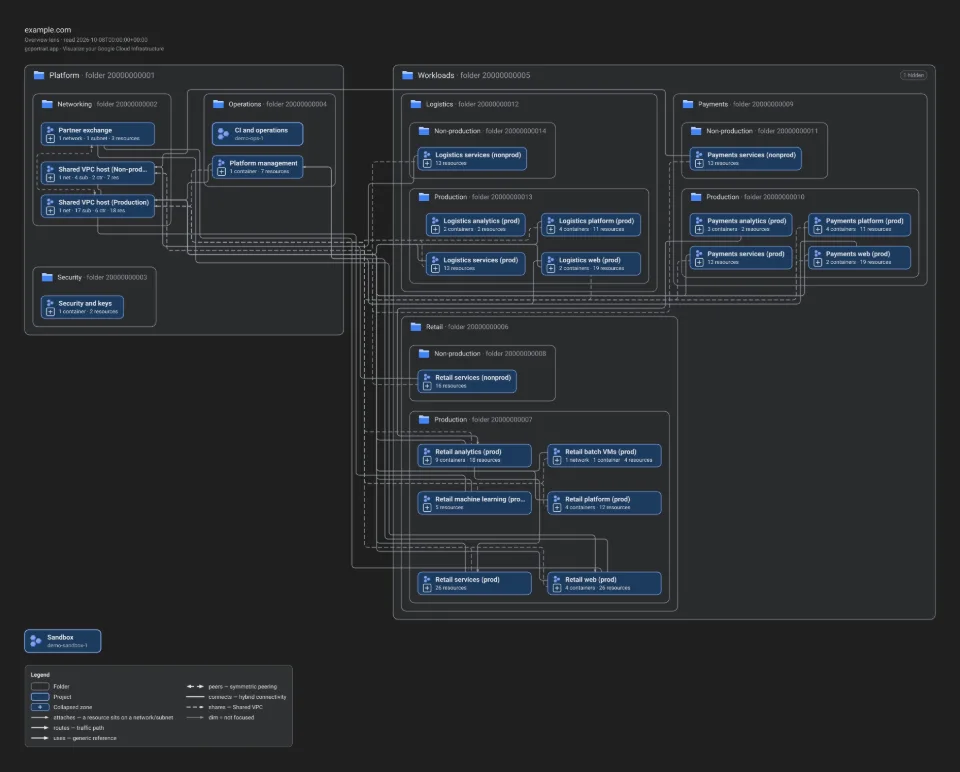
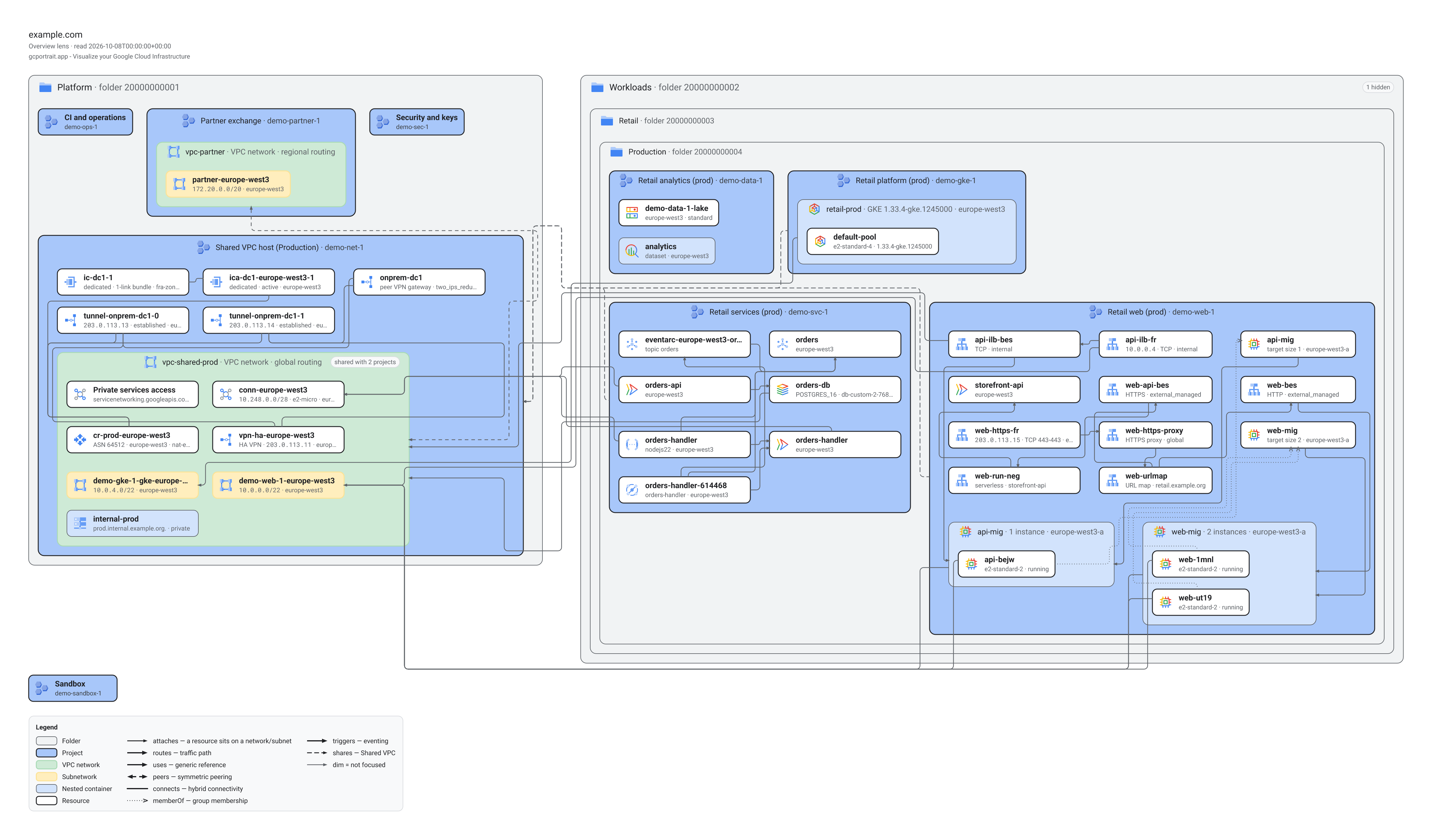
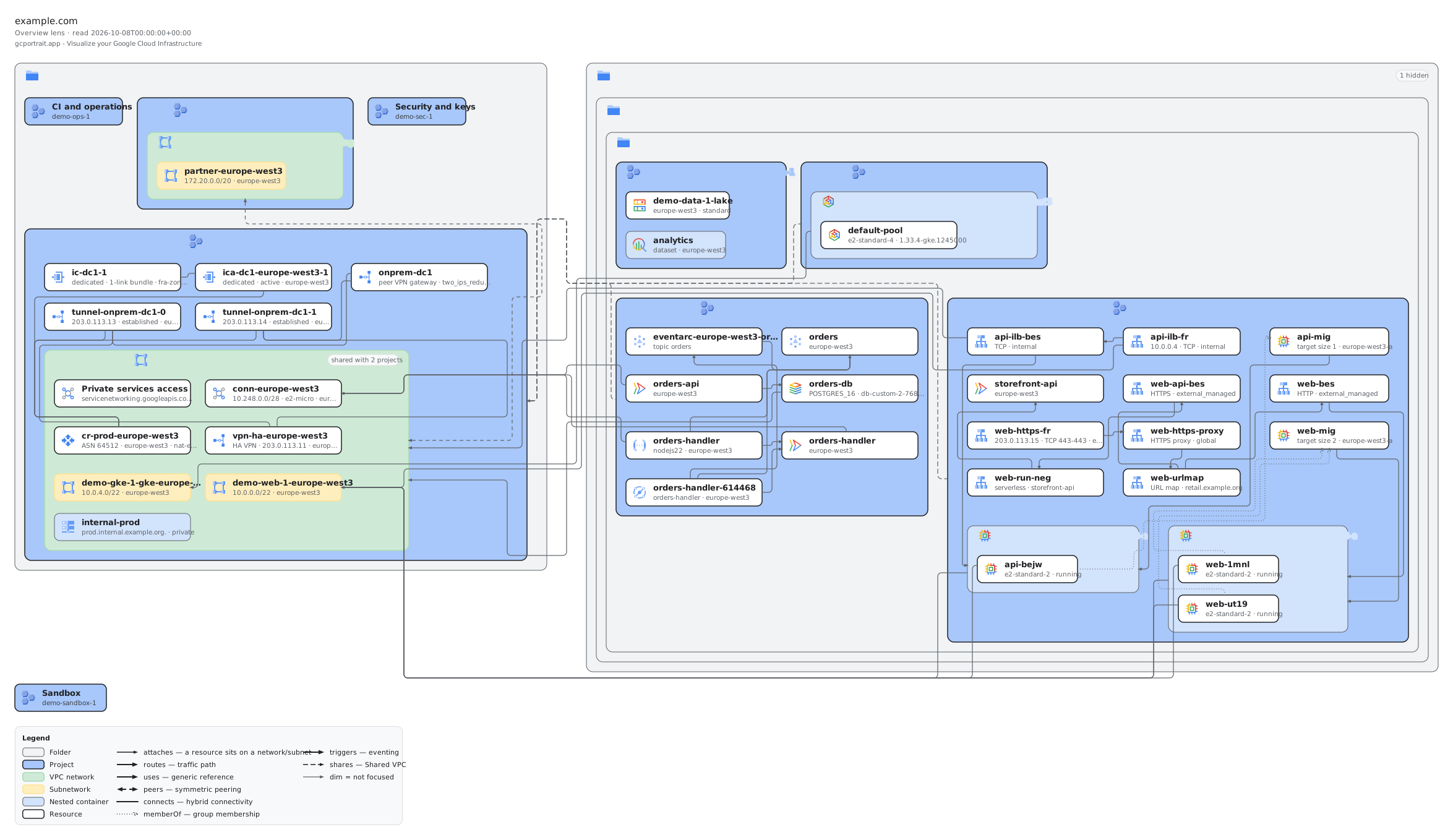
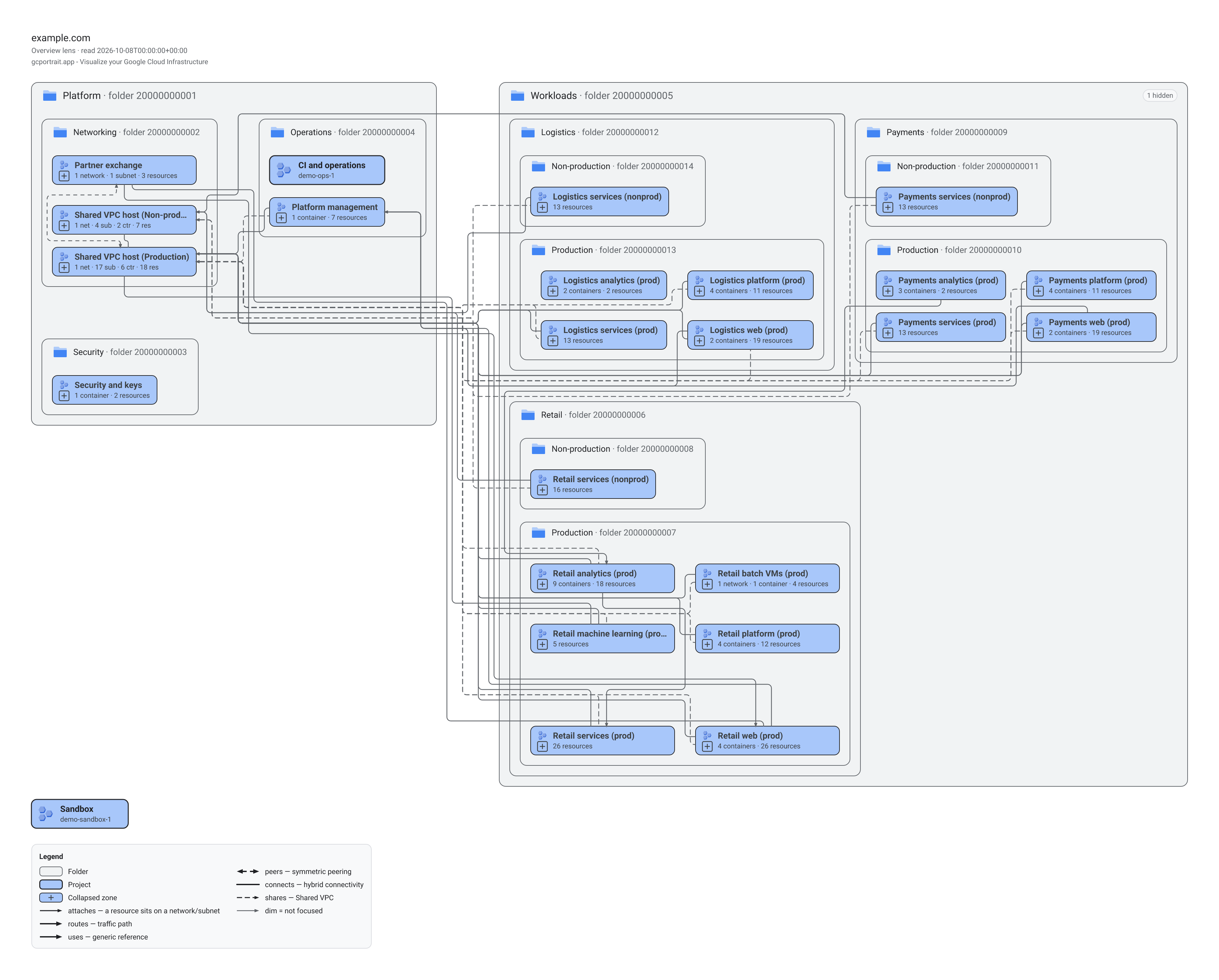
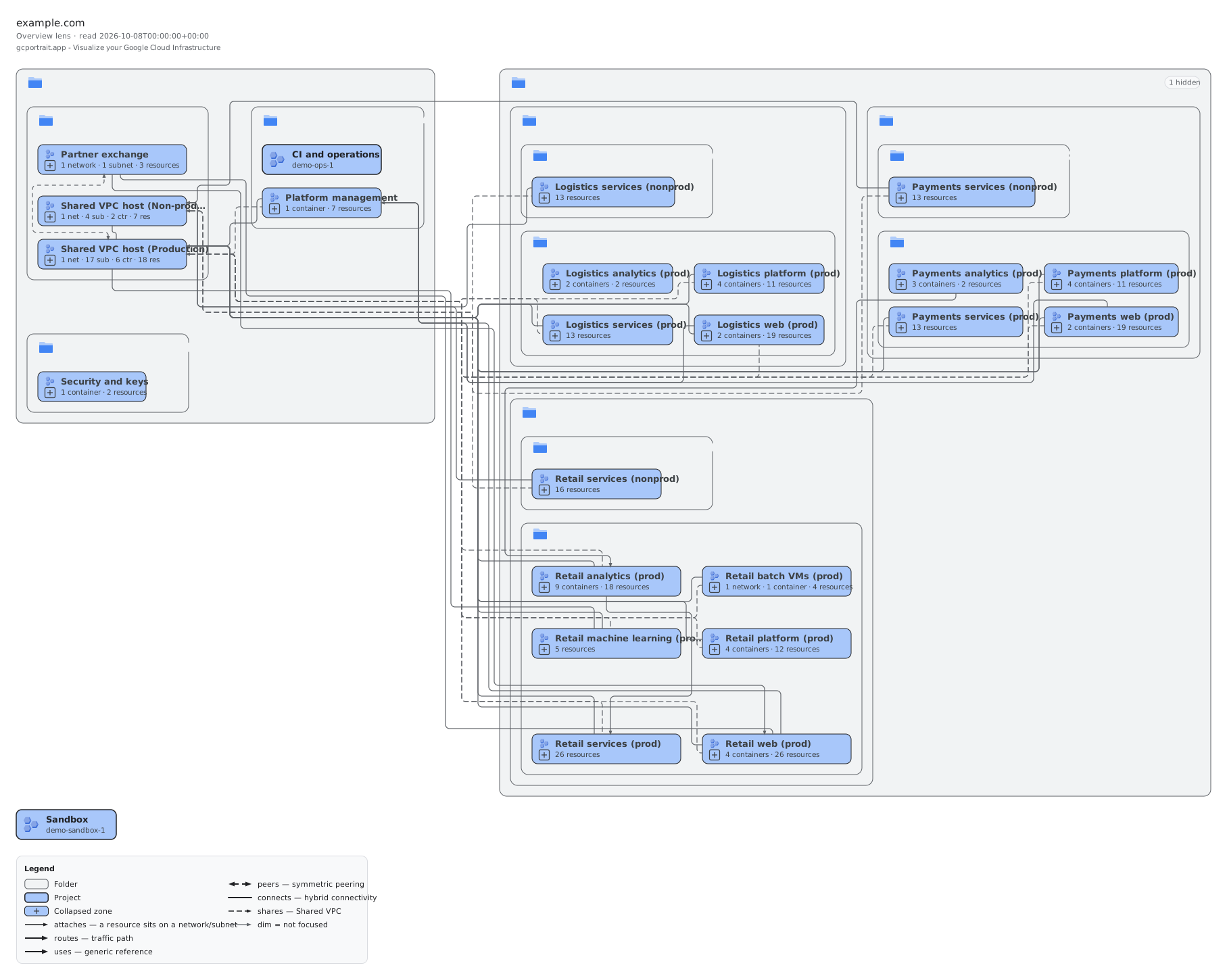
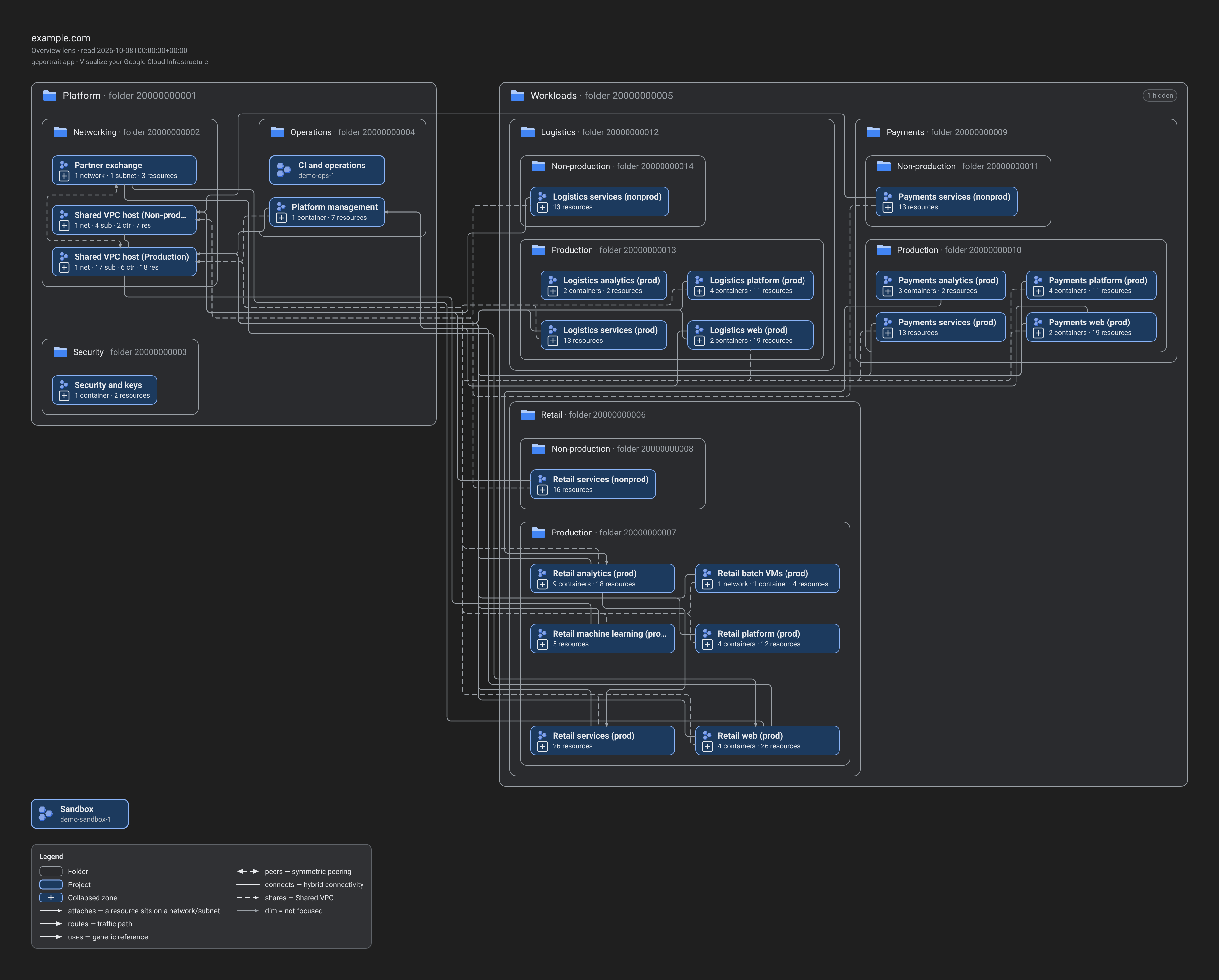
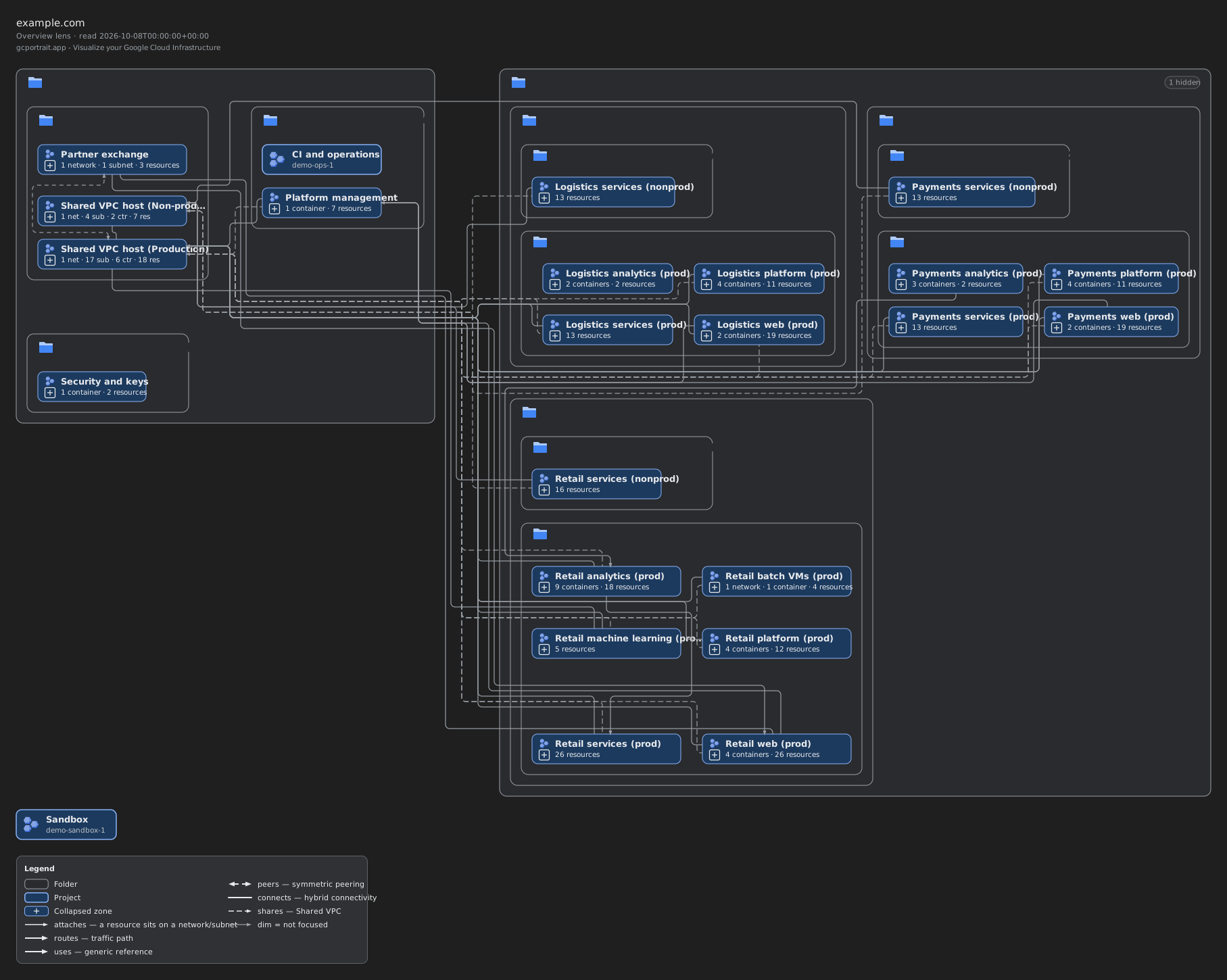
Demo S, Overview lens
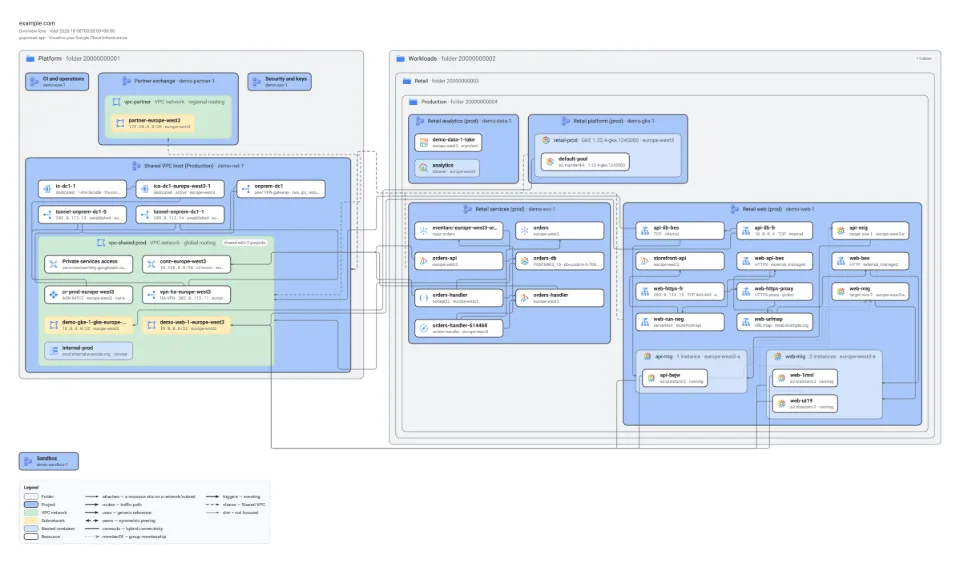
The whole small demo organisation as the app opens it: folders, projects, the Shared VPC with its networks and every resource, with arrows for the references.
Editable: open the .drawio file in draw.io or diagrams.net.
PNG 3,726 × 2,996 pixels (2×, a 24-unit margin), SVG 1,815 ×
1,450 units, draw.io page 1,767 × 1,401, opened at the detail level “folders”.
Made with:
pnpm render --fixture M --lens overview --theme light --png docs/media/exports/M-overview-light.png --svg docs/media/exports/M-overview-light.svg --drawio docs/media/exports/M-overview-light.drawio --drawio-unversioned
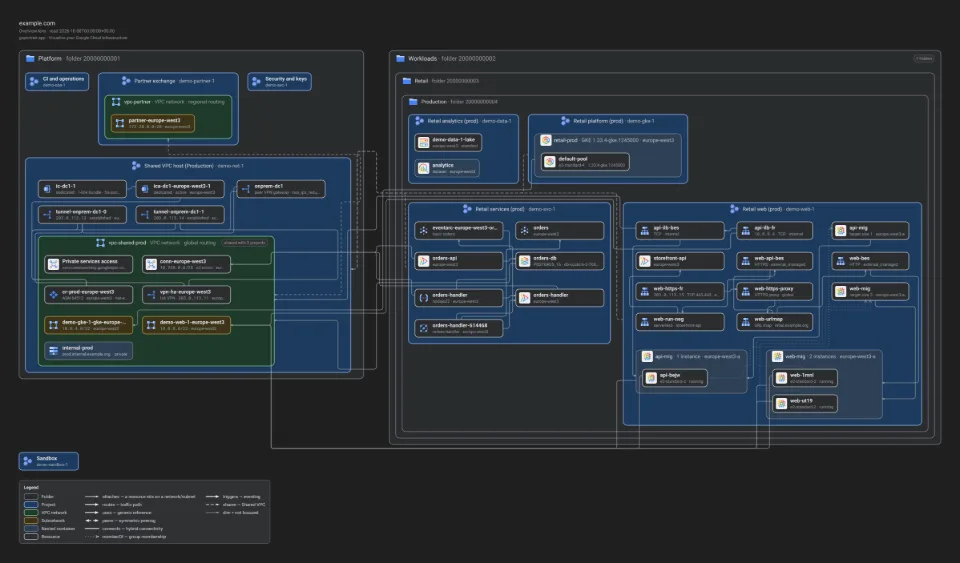
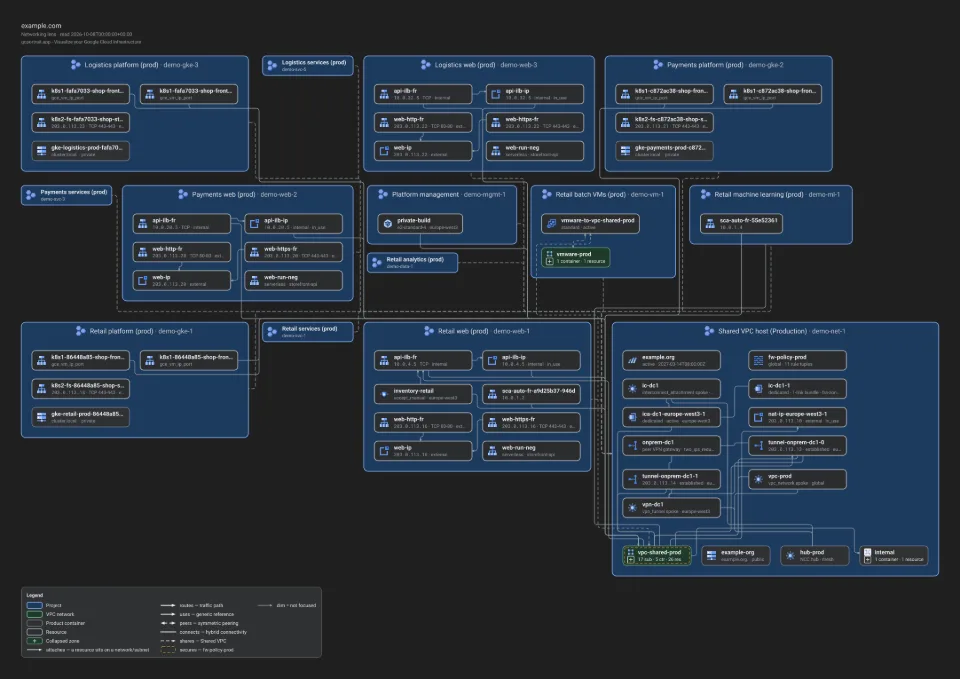
pnpm render --fixture M --lens overview --theme dark --png docs/media/exports/M-overview-dark.png --svg docs/media/exports/M-overview-dark.svg --drawio docs/media/exports/M-overview-dark.drawio --drawio-unversioned
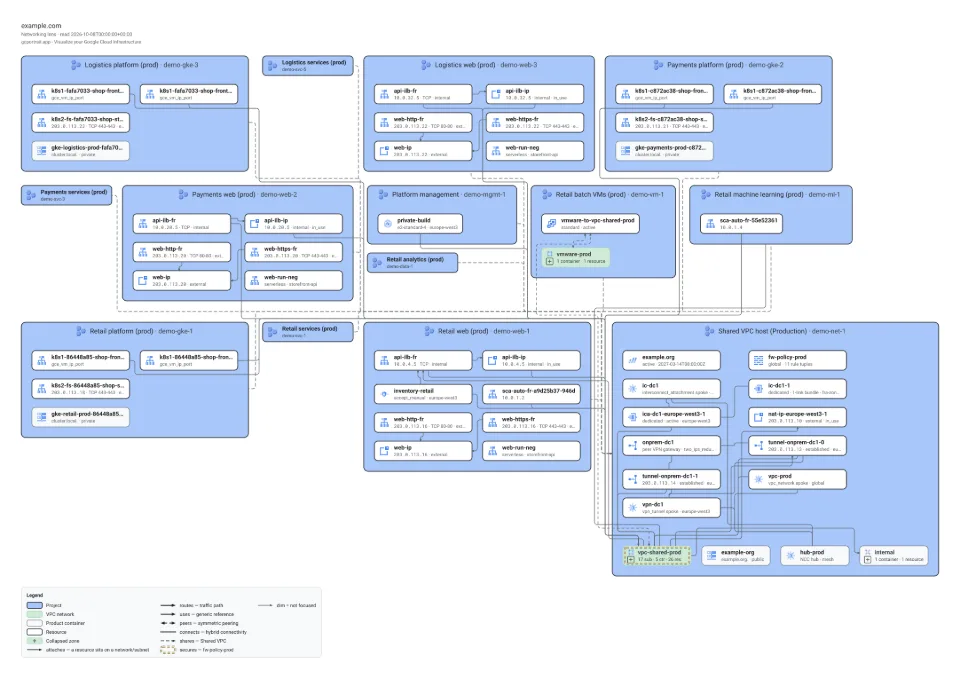
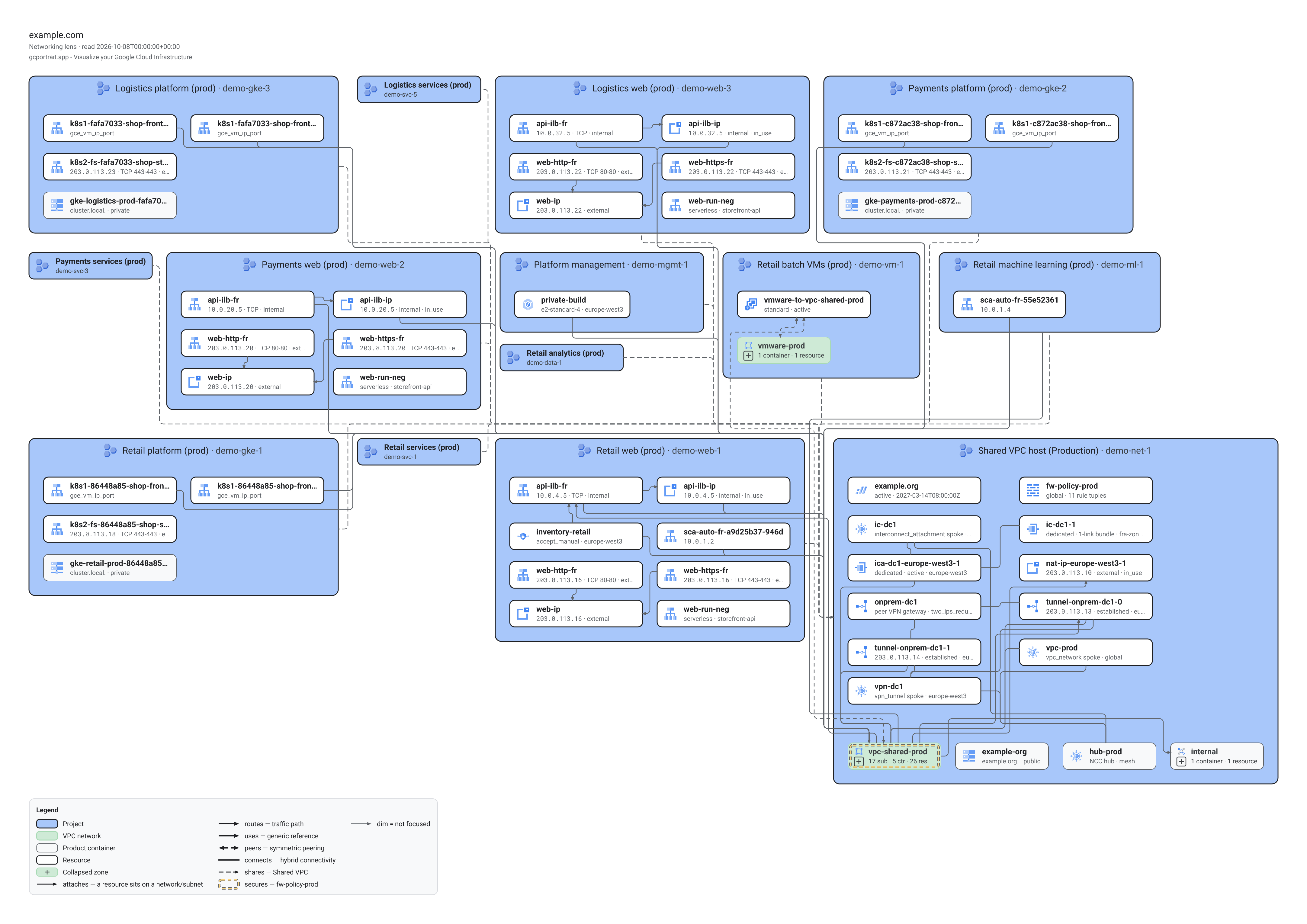
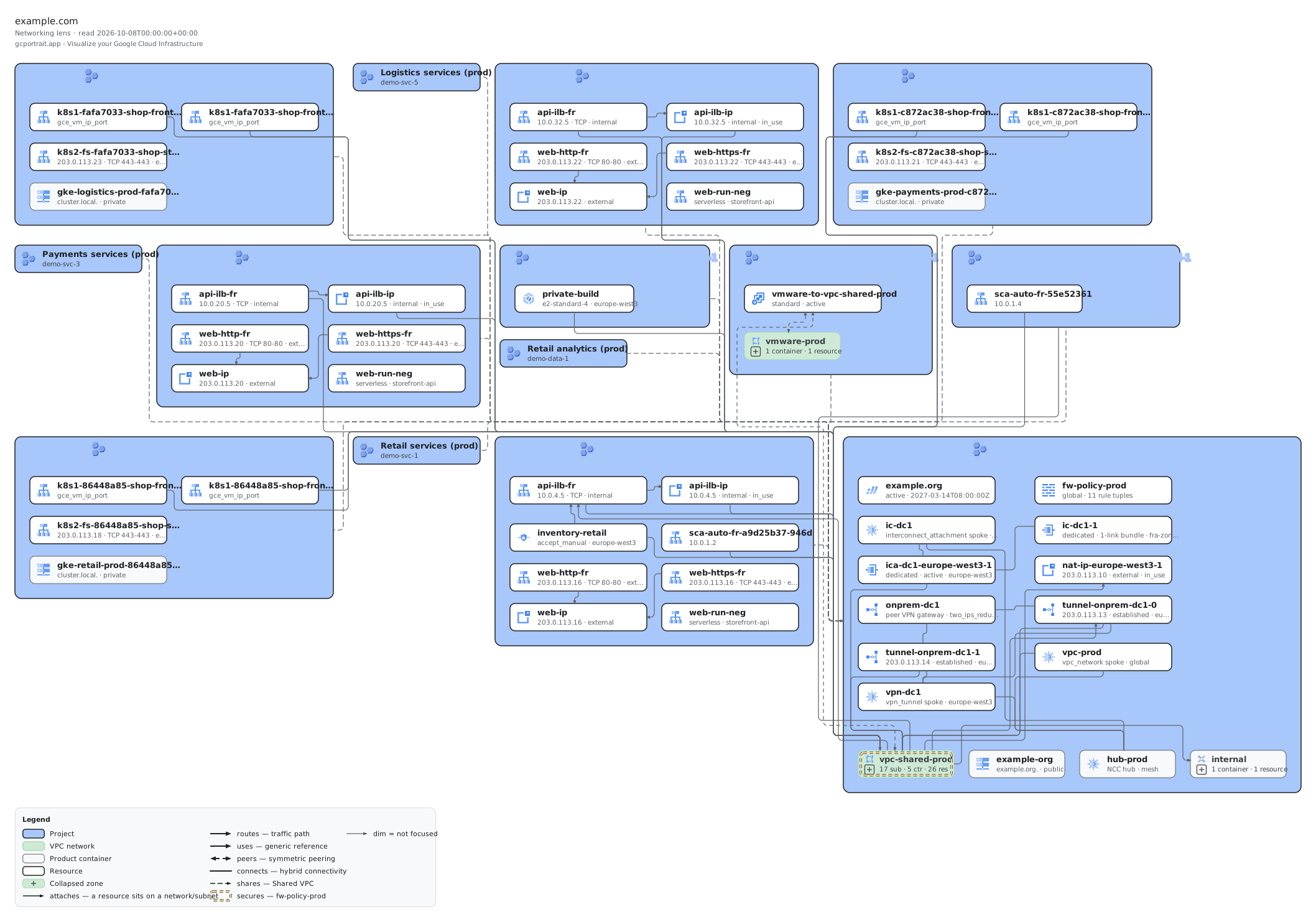
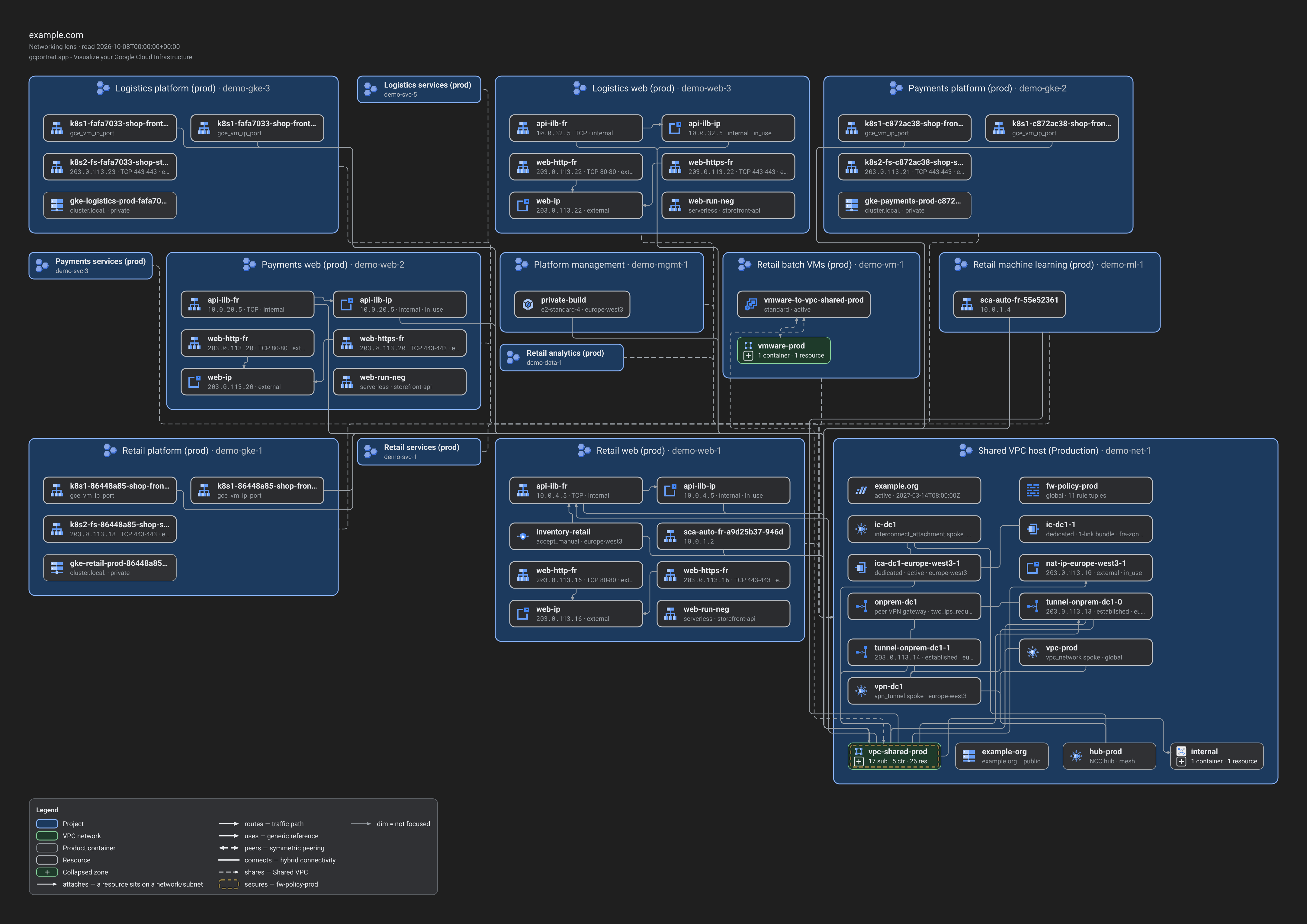
Demo M, Networking lens, focused on the production Shared VPC
The production Shared VPC of demo M and the projects attached to it: load balancers, addresses, Cloud Interconnect and VPN, with the host project’s network.
Editable: open the .drawio file in draw.io or diagrams.net.
node scripts/exports.mjs draws each view with pnpm render, the same React components and
Roboto fonts as the app, rasterised with resvg, and writes the files with a manifest to
docs/media/exports in the repository. The renderer is
byte-stable: the same command gives the same bytes on every run, which
node scripts/exports.mjs --check --render verifies. Demo L and XL are left out: L’s overview alone is
an 8172 × 5284 PNG of about 1.9 MB per theme, which would take the set past its 6 MiB budget.
Google Cloud and the Google Cloud product icons in these files are trademarks of Google, used unaltered under
Google’s icon usage terms. When you use a picture, do not present it as Google’s.